How to Set Up a Local AI Assistant on Your Laptop Without Cloud Subscriptions
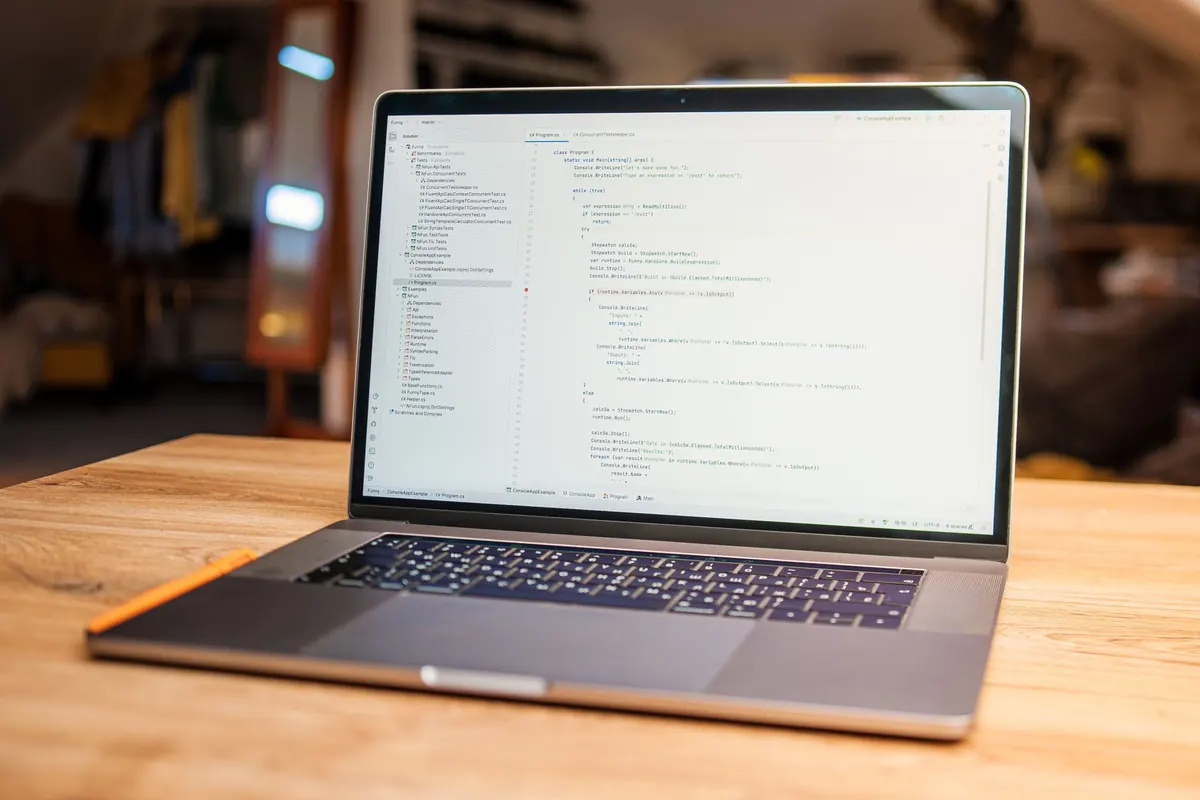
Your laptop can hold a working assistant that answers questions, summarises long documents and rewrites clumsy emails with the Wi-Fi switched off and no monthly fee attached. The software is free, the setup takes an afternoon, and the only genuinely hard constraint is memory. Get that part right and the rest falls into place.
What you are actually installing
There are two pieces, and keeping them separate makes troubleshooting far easier. The first is a runtime: the program that loads a model into memory and streams its replies. The second is the model itself, stored as a single file on your disk.
Most runtimes now use the GGUF format, which packs a model into something you can copy, back up and move between machines like any other document. Nothing burrows into the system. Delete the file and the model is gone.
Because everything reads from local files, your prompts, pasted text and attachments stay on the machine. That is the whole appeal if you handle client work, unpublished writing or internal code you would rather not send to a server.
Check your hardware before you download anything
Memory decides which models are realistic for you. Everything else affects speed rather than possibility.
- RAM or unified memory. Around 8 GB comfortably handles small models in the 2–4 billion parameter range. 16 GB is the sweet spot for 7–8 billion parameter models, which are noticeably more capable. 32 GB opens up 13–14 billion parameter models, and lets you keep a browser open while they run.
- Storage. Each model file is roughly 2–8 GB depending on size. Keep 20–30 GB free so downloads and caches have room.
- Graphics. A discrete NVIDIA chip or Apple Silicon lets the runtime offload work to the GPU, which is the difference between a brisk reply and a coffee break. Integrated graphics still work, just more slowly.
- CPU and cooling. A modern six- or eight-core laptop processor is fine. Expect the fans to spin and battery life to drop while a model is loaded.
Install a runtime and pull a model
Two options cover most people. A command-line runtime such as Ollama is the leanest and quickest to set up. A graphical app such as LM Studio or Jan suits anyone who would rather browse models in a window, click download and start typing.
The command-line route looks like this:
- Download the installer from the project's official site and run it.
- Open a terminal and confirm it works by typing the runtime's version command.
- Pull a small model first — a 3 billion parameter build is a good test. The download is a couple of gigabytes.
- Run it with a single command and wait while the file loads into memory.
- Type a prompt. The first response arrives slowly while the model warms up; later ones come faster.
- List what you have installed, and delete anything you are not using to reclaim disk space.
The first run is always the slowest. Cached models load in seconds after that.
Choose the right file, not the biggest one
Parameter count is only half the story. Models are usually distributed in several compressed versions, called quantizations, and the number in the filename tells you how aggressively the file was squeezed. A mid-range quantization — the ones labelled Q4 or Q5 — is the sensible default: the quality drop is small, and the memory saving is large enough to fit a bigger model on the same machine.
Between a barely fitting large model and a comfortable medium one, the comfortable one is almost always the better assistant.
Look for an instruction-tuned or chat variant rather than a raw base model. Base models complete text; they do not follow instructions. Also check the licence that ships with the file if you plan to use the output commercially, since terms vary between releases.
Make it genuinely useful
A chat box gets old quickly. Three additions change how often you actually open the thing.
A standing instruction. Give the runtime a system prompt describing how you want it to behave — terse, no preamble, answer in British English, always show the reasoning in three bullets. Small models follow short, concrete instructions far better than long personality essays.
Your own documents. Desktop apps including LM Studio, Jan and AnythingLLM let you attach files or point the assistant at a folder. It reads the text and answers against it, which is where summarising and searching start to feel like real work getting done. Keep reference folders tidy: a model given three relevant files beats one given thirty unrelated ones.
A way to launch it. Assign a keyboard shortcut or pin it to the dock. An assistant you have to hunt for will not survive a busy week.
If privacy is the point, verify it: disconnect the network and check that responses still arrive. Runtimes occasionally reach out for update checks, so block them in your firewall settings if you want a hard guarantee.
When it misbehaves
- Very slow replies. Lower the amount of context the model keeps, or switch to a smaller quantization. Long prompts cost more time than long answers.
- Out of memory errors. Something else is competing for RAM. Close the browser, or drop to a smaller model file.
- Replies trail off mid-sentence. The context window has filled. Start a fresh conversation.
- Confident nonsense. Small models invent details, especially names, numbers and citations. Treat every factual claim as a first draft and check anything that matters.
- It ignores your instructions. Shorten them. Two clear sentences beat two paragraphs.
Start small, then grow
Download one modest model, get a feel for the speed on your machine, and only then experiment with larger files. Keep notes on which model and which quantization you liked, because the naming is unforgiving and you will not remember in three months. Copy your favourite model files to an external drive so a fresh laptop is a half-hour setup rather than a re-download.
Treat the result as a capable drafting partner, not an authority. For anything touching health, money or legal obligations, run the output past a qualified professional before you act on it.
Photo: Daniil Komov / Pexels